Everything You Need in One Photo Resizer App
Resize & compress to an exact fit
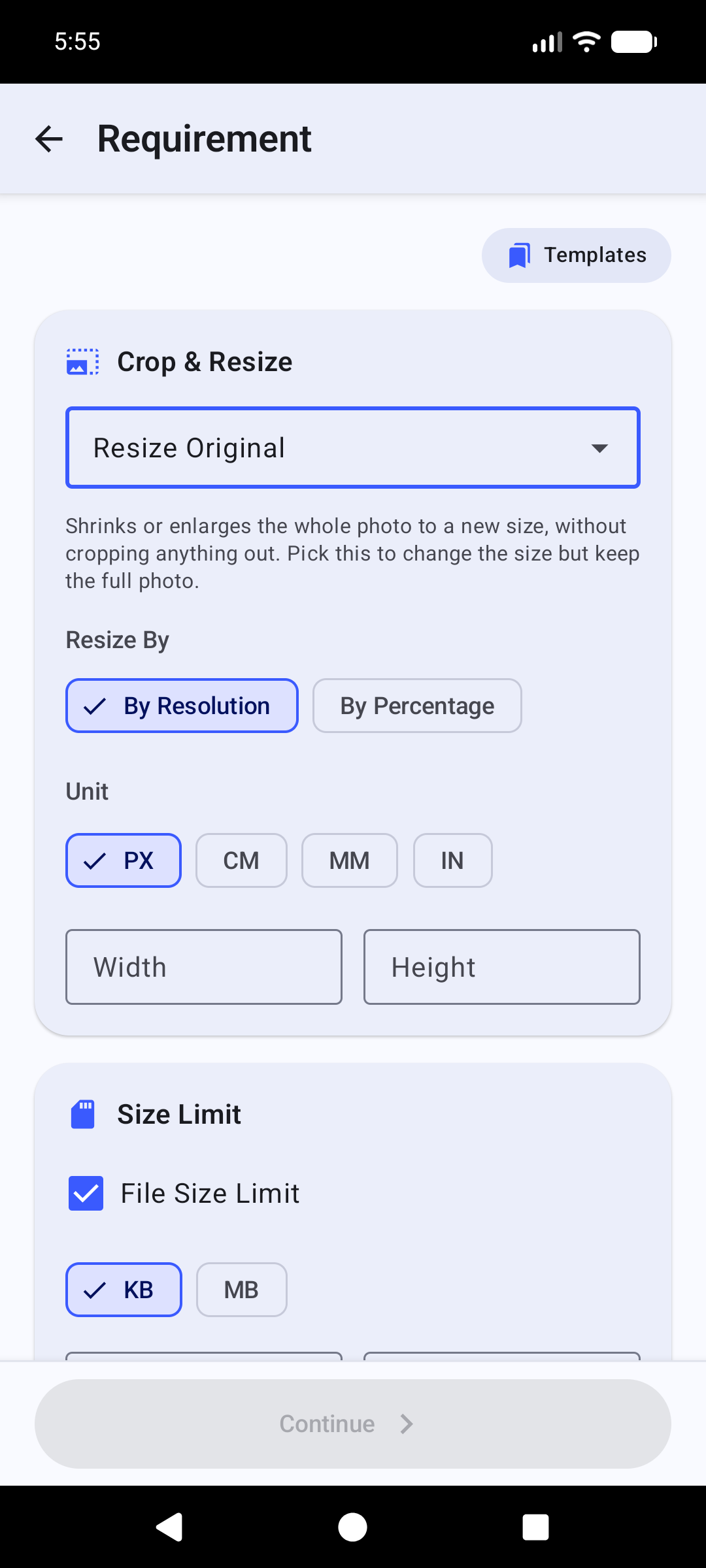
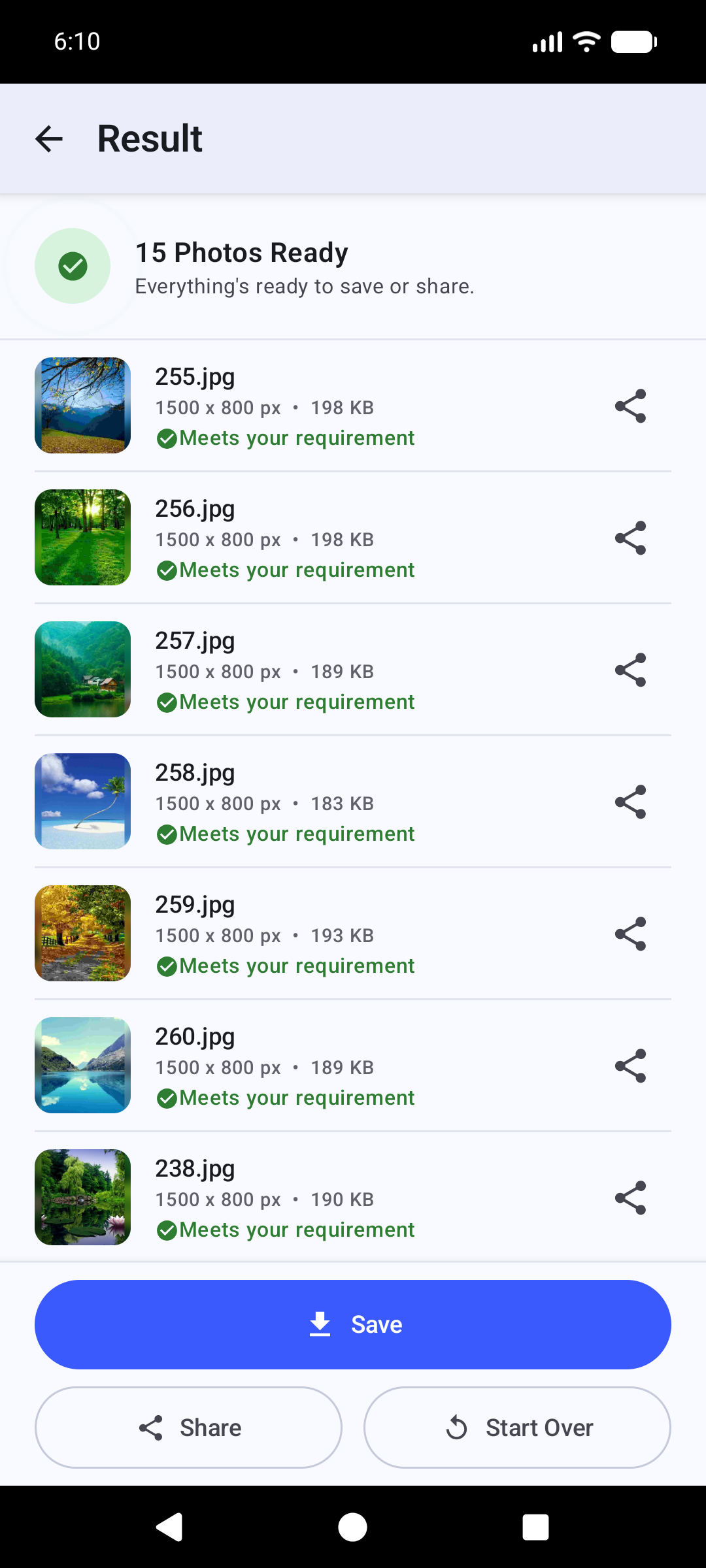
Set the exact width and height in pixels, mm, cm, or inches, and a minimum/maximum file size in KB — the app compresses or pads your photo to land inside it automatically.
Ready-made templates
Passport photo, signature photo, ID photo, and other common form sizes — or save your own frequently-used sizes as custom templates.
Batch photo resizer
Select dozens of photos at once and resize or compress every one to the same requirement in a single pass.
Photo to PDF converter
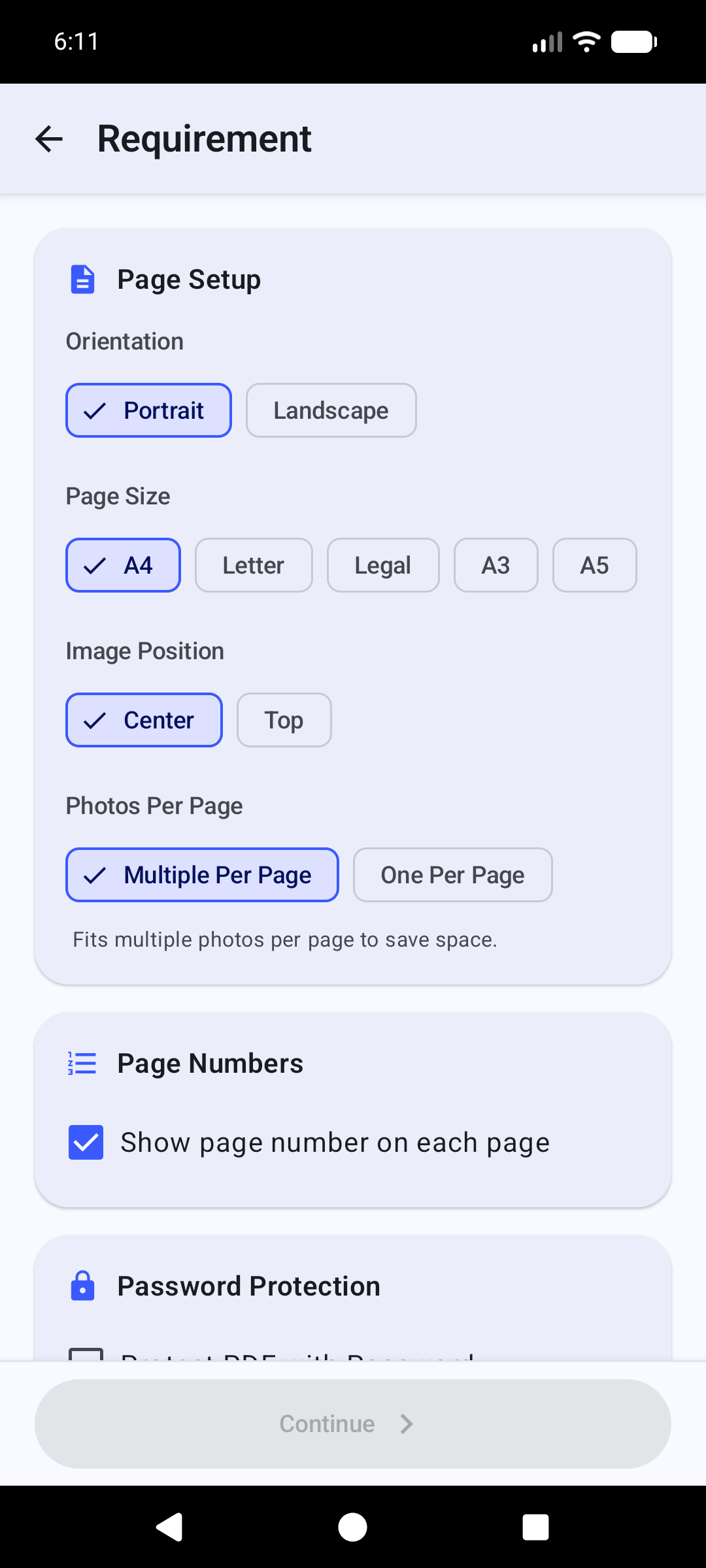
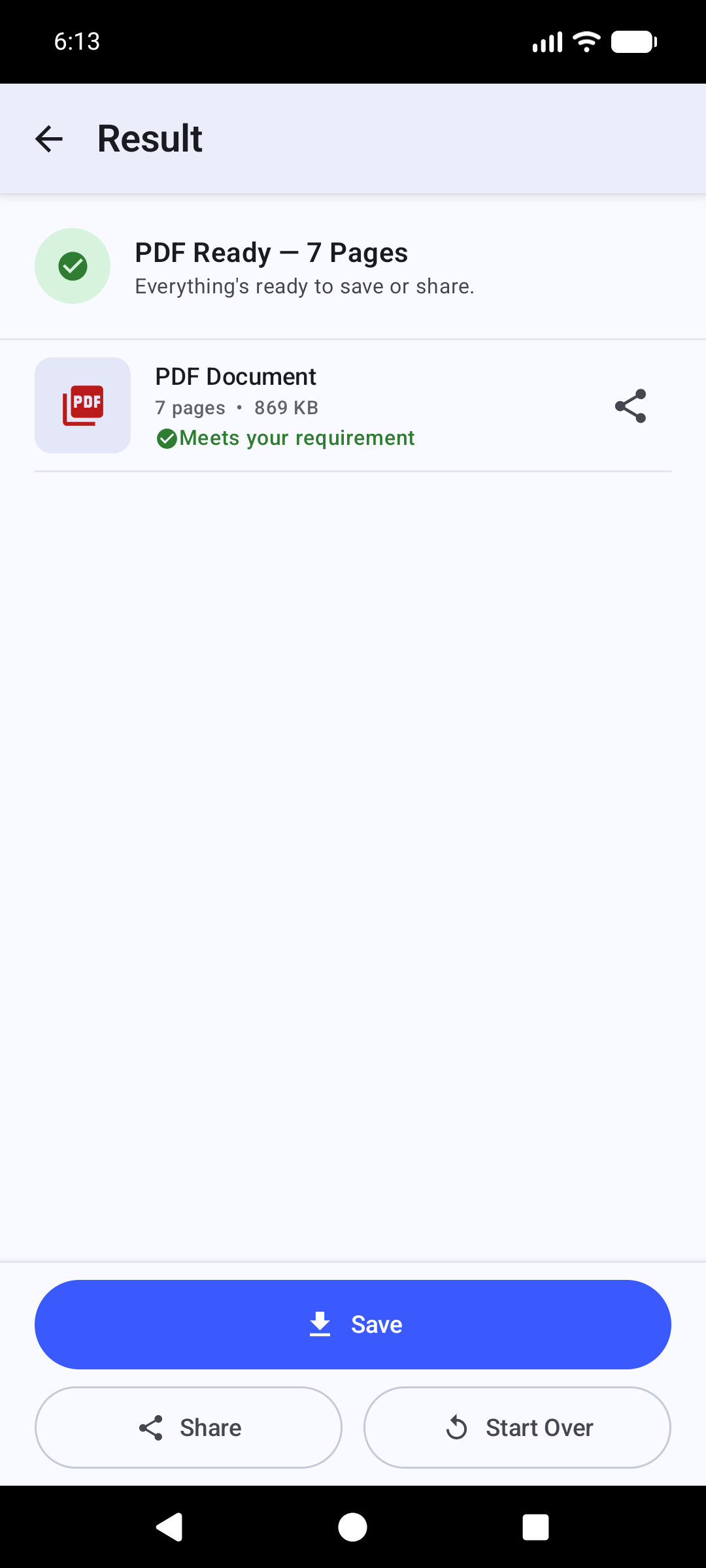
Turn a set of photos into one ready-to-submit PDF — page size, orientation, page numbers, and an overall file-size limit.
100% on-device
No sign-up, no login, no watermark. Your photos are never uploaded anywhere just to be resized.
19+ languages
Full UI translation, including right-to-left support for Arabic and Urdu.
How to Resize a Photo for a Government Form or Exam
- Pick a photo from your gallery, or take one with the camera.
- Enter the exact width, height, and KB size the form asks for — or choose a ready-made template like Passport Photo.
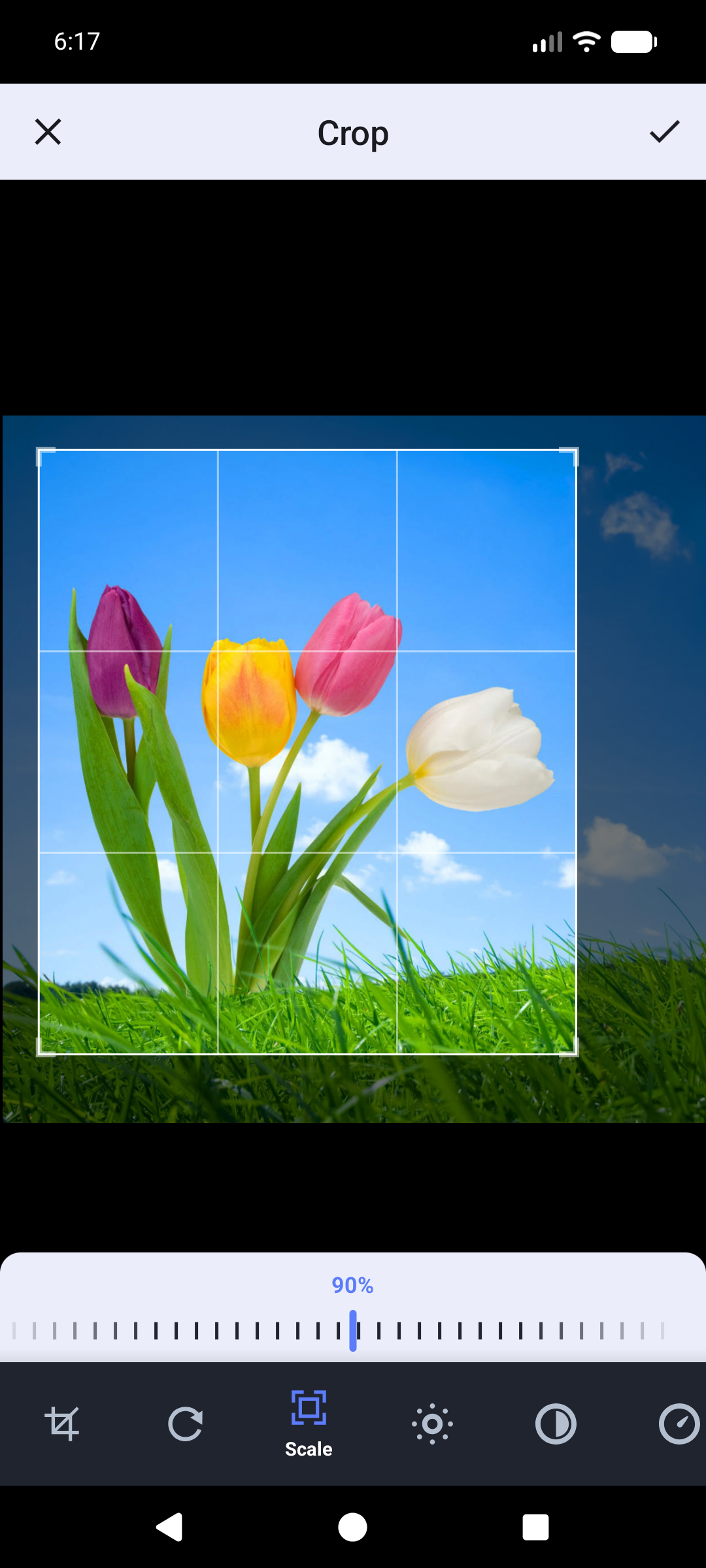
- Crop and adjust; the app compresses your photo to fit automatically.
- Save or share the finished photo, or turn it into a submission-ready PDF.
Who Uses Form Photo Editor
- Government exam & job application forms — SSC, UPSC, Railway, Banking, State PSC, and more
- Passport, PAN card, Aadhaar, and visa photo size requirements
- School and college admission forms
- Anyone who needs to shrink a photo to an exact KB size without losing control of its dimensions
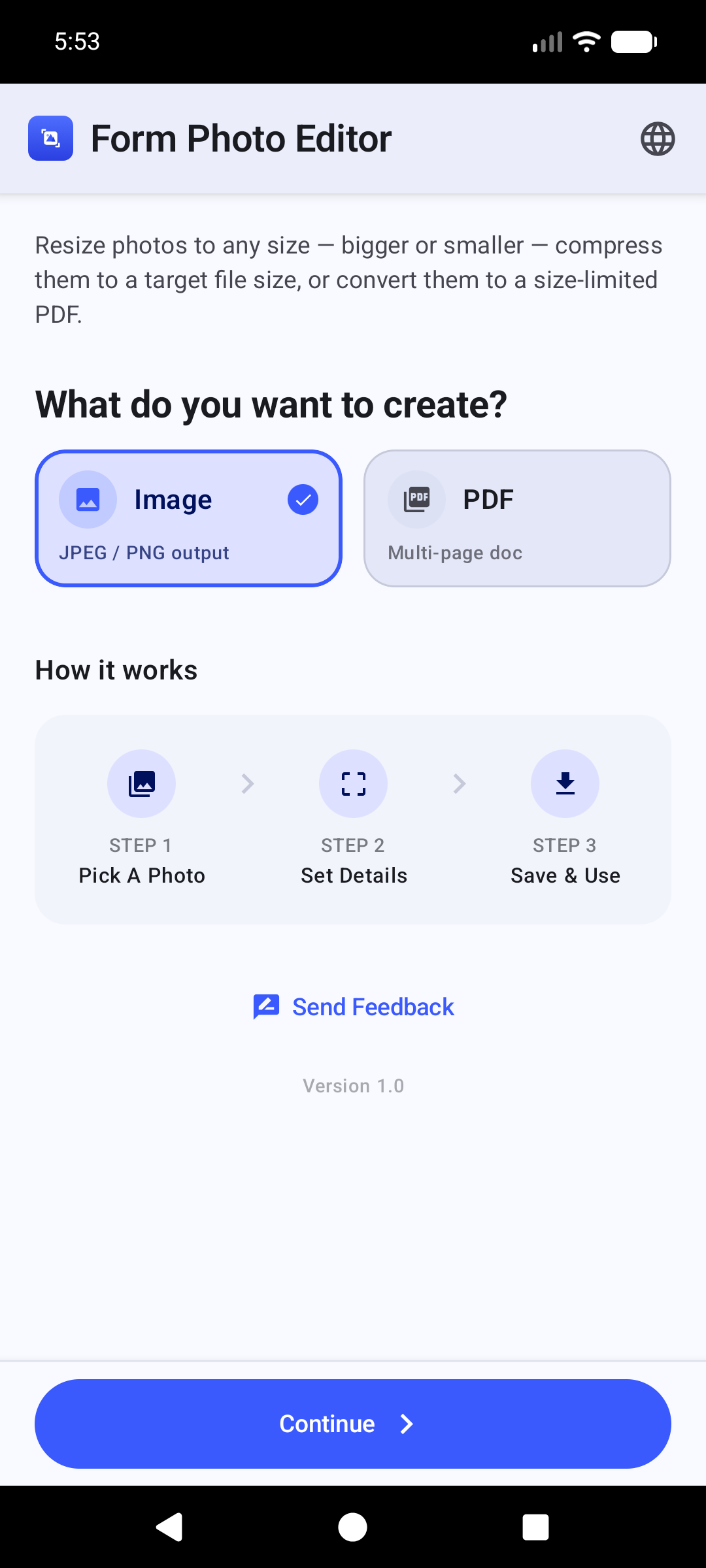
See Form Photo Editor in Action
Frequently Asked Questions
How do I resize a photo to an exact KB size, like 20KB, 50KB or 100KB?
Open the photo in Form Photo Editor, choose Resize, and enter a minimum and/or maximum file size in KB. The app automatically compresses (or pads) the photo so the output lands inside that range, without you having to guess a quality percentage.
What is the standard passport-size photo dimension for Indian forms?
Most Indian government and exam forms ask for a 35mm x 45mm passport-size photo, though exact requirements vary by form. Form Photo Editor includes a ready-made Passport Photo template, or you can enter any custom width and height in px, mm, cm, or inches.
Can I convert my photos into a PDF for form submission?
Yes. Form Photo Editor's PDF Maker turns one or more photos into a single PDF, with control over page size, orientation, how each photo is placed on the page, page numbers, and an overall file-size limit for the finished PDF.
Does Form Photo Editor need an account, login, or internet connection?
No. Form Photo Editor works entirely on your device — there's no sign-up, no login, and photo processing does not require an internet connection.
Is Form Photo Editor free to download?
Yes, Form Photo Editor is free to download and use, and is supported by ads.
Which exams and forms is Form Photo Editor useful for?
It's built for any form with strict photo requirements — SSC, UPSC, Railway, Banking, and State PSC exam applications, passport/PAN/Aadhaar/visa photo uploads, and school or college admission forms.
Download Form Photo Editor for Android
Free, no login, no watermark. Get exam- and form-ready photos in seconds.
